
How to Read Blueprints: A Simple Guide for Woodworking Beginners
Blueprints look intimidating. But you only need to understand 5 symbols to build 90% of DIY projects. Here's the crash course.
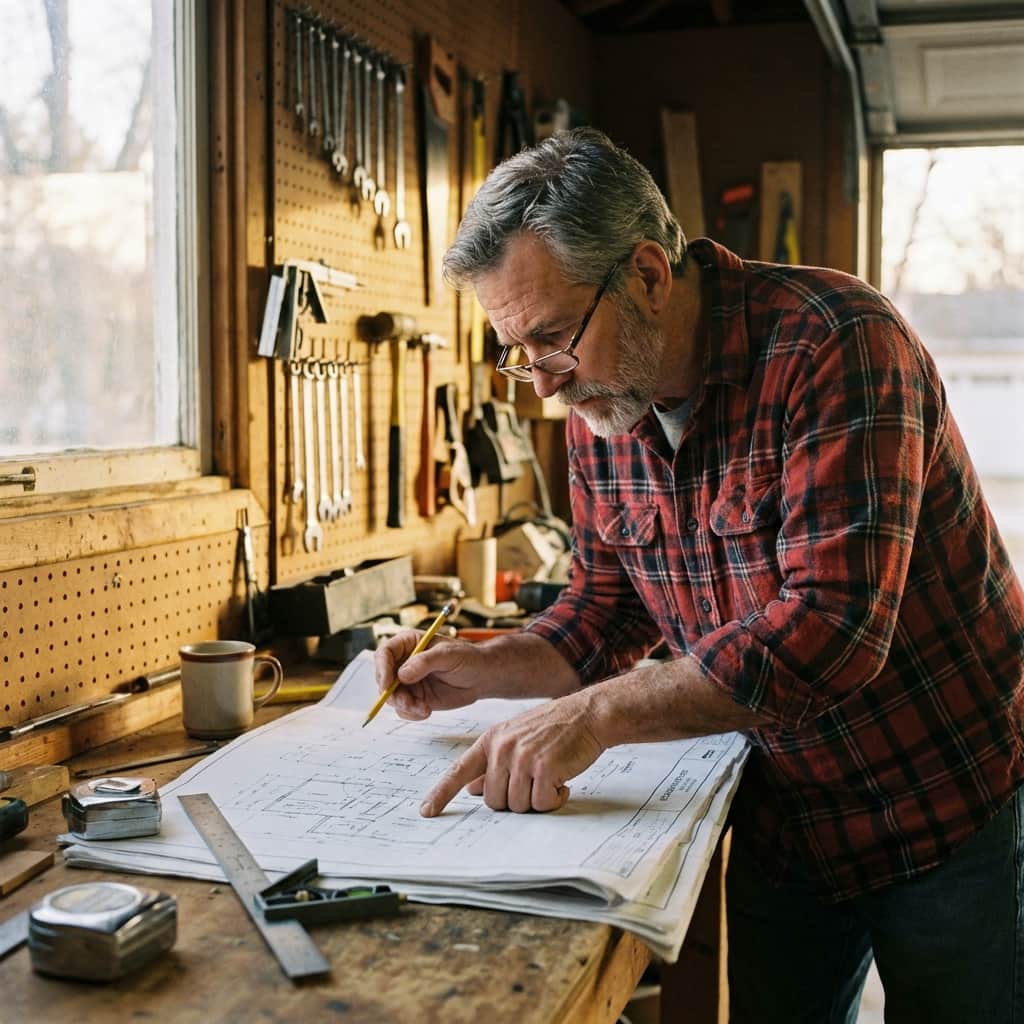
That Moment You Stare at a Blueprint and Feel Lost
You've got the plan in front of you.
Lines. Numbers. Arrows. Mysterious symbols that look like ancient hieroglyphics.
Your confidence drops. "Maybe I'm not cut out for this."
Stop.
Here's the truth: You don't need an architecture degree to read a basic woodworking blueprint.
You just need to understand 5 core concepts. That's it.
I'm about to decode the blueprint mystery in 7 minutes.
The 5 Elements Every Blueprint Uses
Scale (The Foundation)
Every line on a blueprint represents real-world measurements at a reduced size.
Most modern woodworking plans are drawn at 1:1 scale (actual size) for small parts and labeled clearly with real measurements for large structures. Don't let a "scale" label intimidate you—look for the actual numbers first.
If you see a scale but don't see labeled measurements, grab a ruler and do the conversion. Or better yet, find a plan with labeled dimensions (they exist).
2. Dimension Lines (The Measurements)
These are the thin lines with arrows on both ends.
The number between the arrows tells you exactly how long that piece needs to be.
Example: Visual: Picture a line with an arrow on each end, pointing outward. In the middle of the line, the number 48" is written.
That's a board that's 48 inches long. Simple.
3. Centerlines (The Dashed Lines)
See a line that looks like this: – – – – –?
That's a centerline. It shows the middle of a piece of wood, a hole, or a structure.
Why it matters: If you're mounting a shelf, the centerline helps you position the brackets symmetrically.
It's not a cut line. It's a reference line.
4. Cut Lines (The Thick Lines)
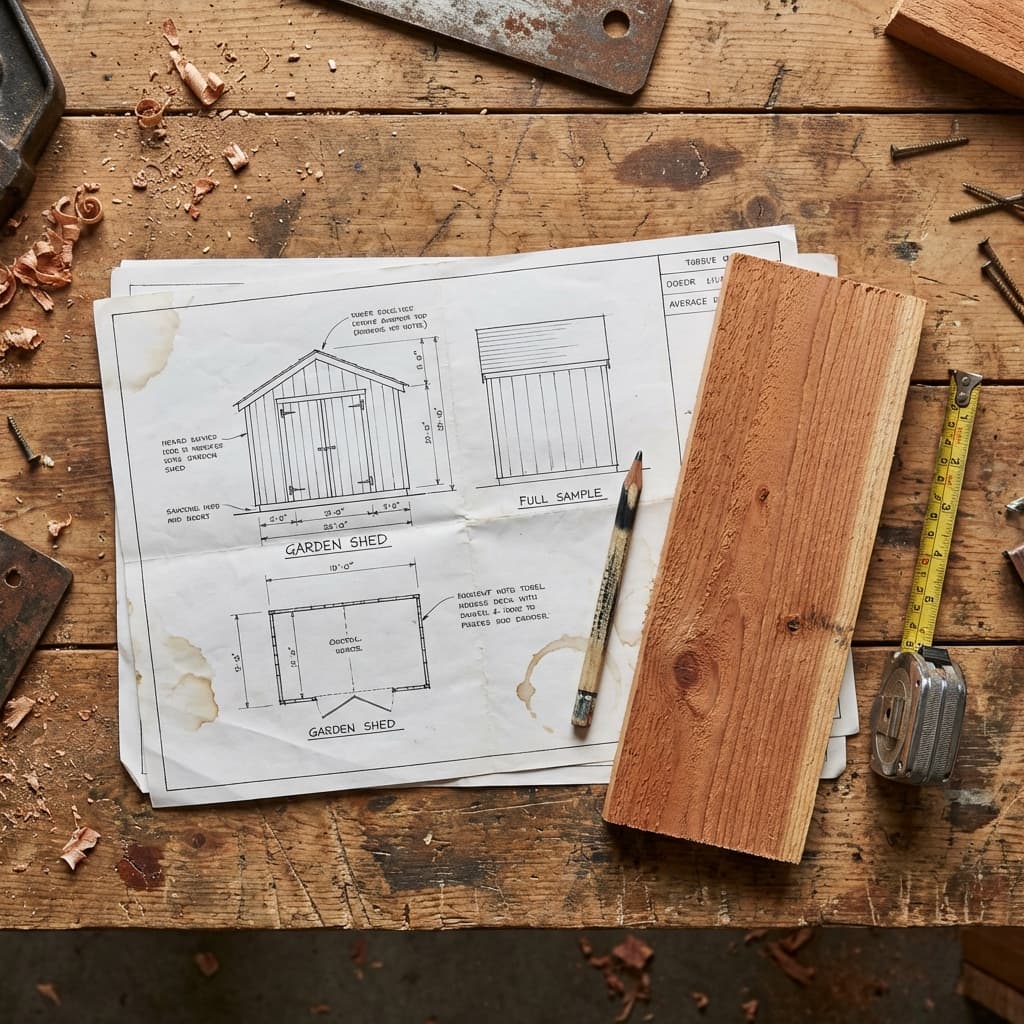
These are the bold, solid lines that show where wood exists.
Everything inside the thick lines is your actual structure.
Think of it like this:
- Thick lines = wood
- Empty space = air
Easy.
5. Notes and Callouts (The Instructions)
These are the little text boxes with arrows pointing to specific parts of the drawing.
They'll say things like:
- "Use 3" deck screws here"
- "Pre-drill pilot holes"
- "Leave ¼" gap for expansion"
Never skip the "pre-drill pilot holes" note. Forcing a large screw into dry timber without a pilot hole will almost certainly split the grain, ruining an expensive piece of wood.
Read all the notes before you pick up a tool. Often, a tiny note in the corner of a drawing holds the key to avoiding a major assembly headache later.
Common Symbols You'll See (And What They Mean)
Let's decode the hieroglyphics.
Circle with an X
= Screw or bolt location
This tells you exactly where to drill and fasten.
Small filled circle
= Nail or brad location
Use a nail here, not a screw.
Square with diagonal lines
= This piece is behind another piece
It shows depth/layering in a 2D drawing.
Wavy line
= Insulation or flexible material
Not common in shed plans, but you'll see it in wall sections.
Triangle pointing down
= Ground level or foundation
Shows where your structure meets the earth.
The Secret: Most Plans Are Drawn in 3 Views
Professional blueprints show the same structure from 3 different angles:
1. Front View (Elevation)
What it looks like if you're standing in front of it.
Shows height and width.
2. Side View (Elevation)
What it looks like from the side.
Shows depth and height.
3. Top View (Plan View)
What it looks like from above, like a bird's-eye view.
Shows width and depth.
Here's the trick: These three views work together. If you get confused on one view, check the others. They all show the same project, just from different angles.
The Dirty Secret About "Free" Blueprints
Alright, real talk.
You can find free shed plans online. Some are decent.
But most are nightmare fuel for beginners:
- Missing dimensions
- No material list
- Vague notes like "install roof as shown" (what does that mean?!)
- Symbols that aren't explained
I've watched people waste entire weekends trying to decode a bad plan, then give up and buy new materials because they cut everything wrong.
Here's the thing:
You're not trying to become a master blueprint reader. You're trying to build a shed this weekend.
A professional plan is designed for people who've never read blueprints before.
Everything is labeled. The cut list is done for you. The 3D diagrams show you exactly how pieces fit together.
It's the difference between:
- "Figure it out yourself" (free plan)
- "Here's exactly what to do" (professional plan)
If reading blueprints stresses you out, don't force it. Use plans designed for beginners.
Practice Exercise: Read This Blueprint
Let's test what you've learned.
Imagine you're looking at a simple shelf blueprint:
Imagine you are looking at two drawings of a simple shelf:
Drawing 1: TOP VIEW Shows a long rectangle labeled "36 inches" wide. The depth is labeled "8 inches".
Drawing 2: SIDE VIEW Shows the side profile of the shelf sitting on a support bracket. The vertical height of the support is labeled "10 inches".
Questions:
- How long is the shelf top? 36 inches
- How deep is the shelf? 8 inches
- How tall are the support boards? 10 inches
If you got those right, you understand 90% of what you need.
The 3 Mistakes Beginners Make (And How to Avoid Them)
Mistake #1: Assuming the Blueprint is Perfect
Even professional plans can have typos.
Fix: Measure twice. If a dimension seems weird (like a 7⅝" board), double-check the other views.
Mistake #2: Skipping the Material List
Some people just look at the diagrams and wing it.
Fix: Read the material list first. It tells you what to buy and how much. This saves money and trips to the store.
Mistake #3: Not Understanding "On Center" Spacing
If a plan says "studs 16" O.C.", that means 16 inches On Center (measured from the middle of one stud to the middle of the next).
It doesn't mean 16 inches of space between studs. If you space them with 16" of air between, your wall will be structurally weak and your 4x8 plywood sheets won't line up with the studs for nailing.
You Don't Need to Be an Expert
Here's what I want you to take away from this:
You don't need to master blueprints.
You just need to understand enough to execute the plan in front of you.
And honestly? The best plans are designed so you barely need to "read" them at all.
Clear labels. Exact measurements. Step-by-step photos.
You're building a shed, not designing the Golden Gate Bridge.
Use plans made for beginners. Follow the steps. Trust the process.
Your Next Step
Pick a simple project. Grab a verified plan. Build it.
By the time you finish, you'll understand blueprints better than 90% of DIYers.
And next time you see a blueprint? You won't feel lost. You'll feel ready.
Don't overthink it. Just start building.
– Mark